Run the whole restaurant from one connected system.
FORNEBU connects point of sale, kitchen, inventory, customers, workforce, scheduling and business health — one operating system instead of a collection of disconnected tools.
Built in restaurants. Designed for restaurant operators.
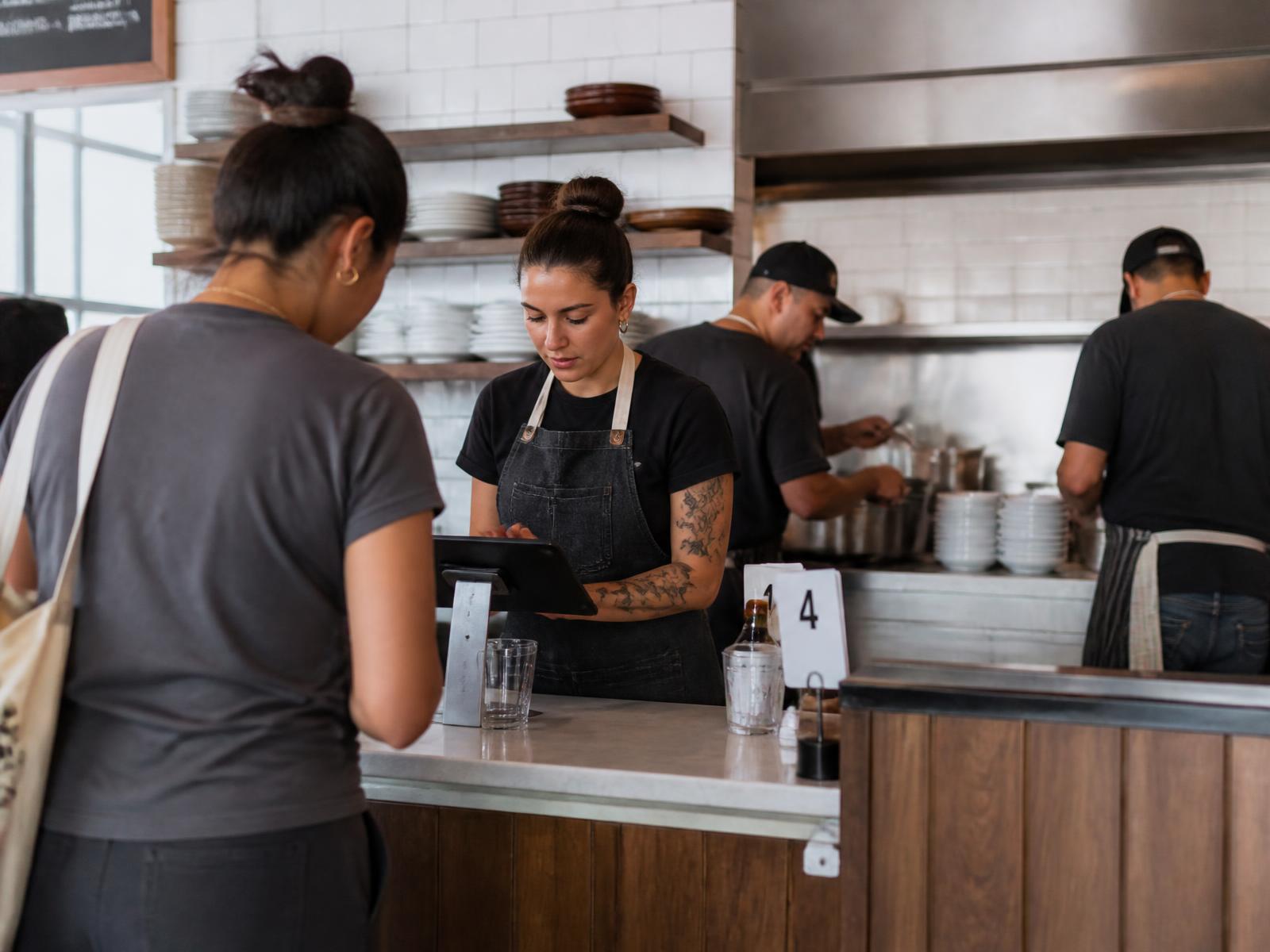
One operation
A restaurant is one operation. Its software should be too.
An order doesn't stop at the register. It moves through the kitchen, affects inventory, identifies customers, changes demand, creates labour requirements and becomes part of the business day. FORNEBU keeps those operating surfaces connected.
01
Sell
02
Serve
03
Stock
04
Grow
05
Team
06
Control
One action. One connected system.
Product ecosystem
Six operating pillars. One connected system.
Sell, serve, stock, grow, team and control — every part of the restaurant day, working from the same records.
Sell
Orders, modifiers, discounts, refunds and receipts in one accountable lifecycle.
Serve
The right item reaches the right station, and the customer sees their order as it's built.
Stock
Recipes connect every sale to ingredients and packaging, from receiving to the count.
Grow
Customer profiles, loyalty, demand intelligence and business health.
Team
One employee record from availability to schedule, clock-in, timesheet and payroll approval.
Control
Corporate menus, location permissions, Business Day Close, exceptions and scheduled reporting.
Ten connected modules. One set of records.
Explore the platformProduct
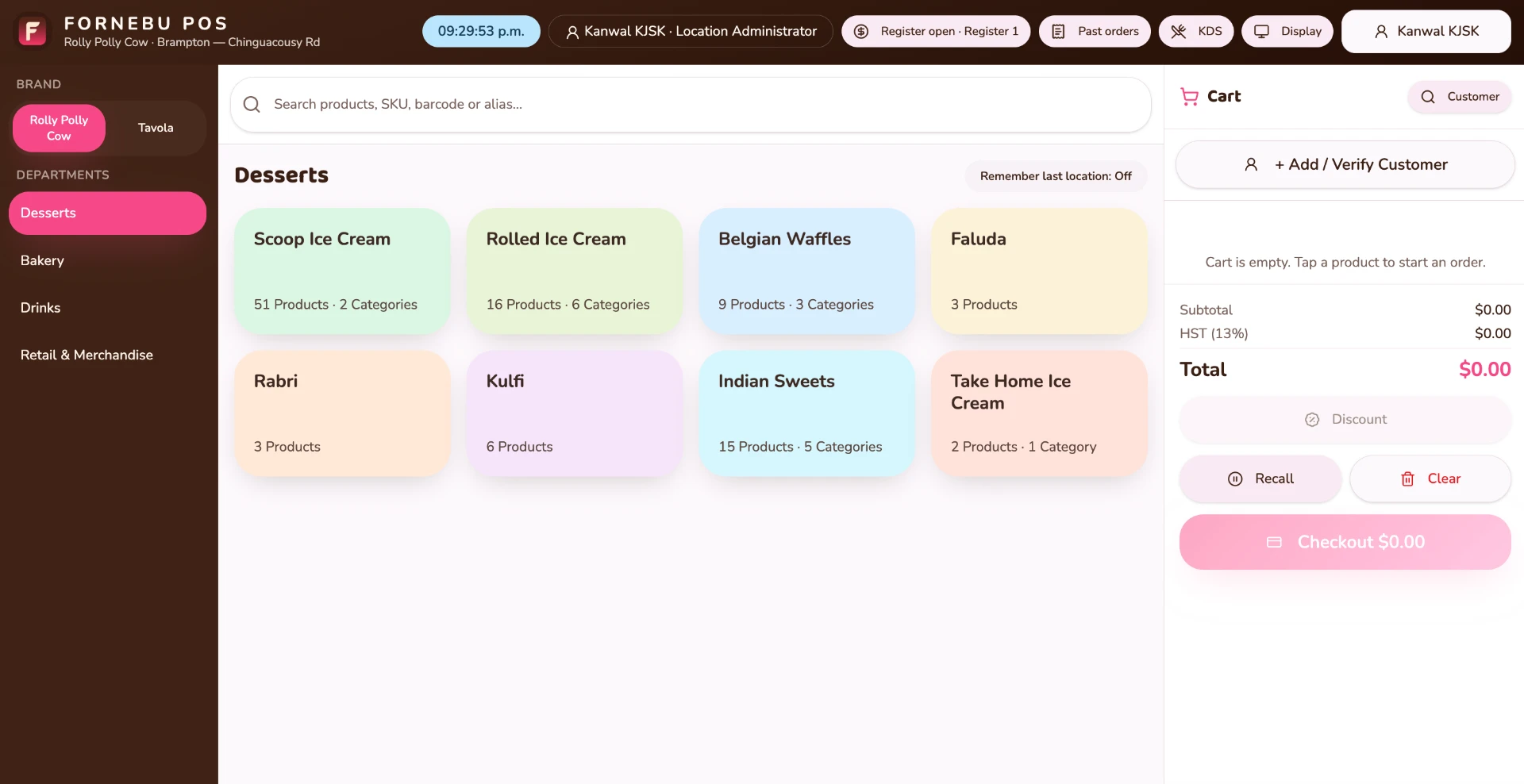
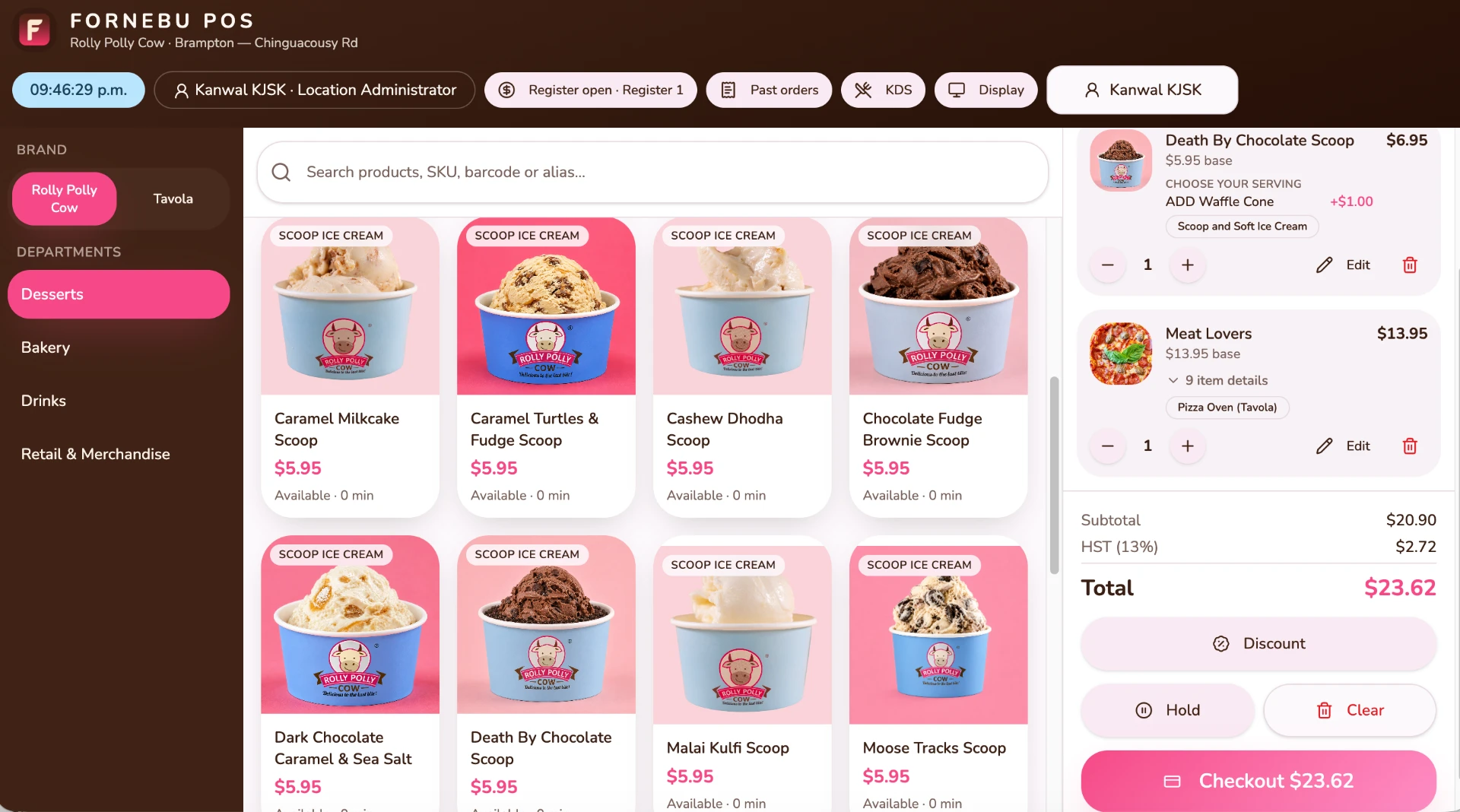
One order. Connected across the restaurant.
Real FORNEBU screens, following the restaurant day — the order is entered, the kitchen makes it, inventory moves, the customer relationship continues and the owner sees how the business is doing.
FORNEBU Intelligence
Know what's coming. Know what to do next.
FORNEBU uses your restaurant's own sales history — by day and by half-hour — and brings workforce, inventory and operational signals together to show what's coming, what needs attention and the evidence behind it.
Weather, holidays and local events appear alongside the forecast as context, so managers can see what else is happening that day.
- 01Restaurant History
- 02Expected Demand
- 03Required Coverage
- 04Workforce
- 05Smart Schedule
- 06Actual Hours

Business Health
How is my business doing?
One owner view of sales, labour and costs — what changed, why it changed and what needs your attention. Every figure can be traced back to where it came from.
How you're doing
Net sales, checks, average ticket and labour, for one location or across all of them.
What changed, and why
See the movement, then the reasons behind it.
What needs attention
The few things worth looking at today, not a wall of charts.
Numbers you can trace
Open any figure to see how it was calculated and which records it came from.
As cost and expense information is completed, Business Health adds Food & Packaging %, Prime Cost, Estimated Operating Profit and Break-even sales.

If the information isn't complete, FORNEBU says so. It doesn't guess.
Across locations, Canadian and US dollar totals are kept separate.
Staff for the business you’re expecting. Run the team from one record.
Availability, time off, skills, schedules, clock-in, timesheets, tips and payroll approval — connected to the restaurant’s actual demand and the hours actually worked.
The system proposes. The manager decides.
- 01Availability
- 02Smart Schedule
- 03Published Schedule
- 04Time Clock
- 05Timesheet Review
- 06Payroll Approval
Also connected: Tasks & Duties · Team Communication · Knowledgebase · 360° Feedback
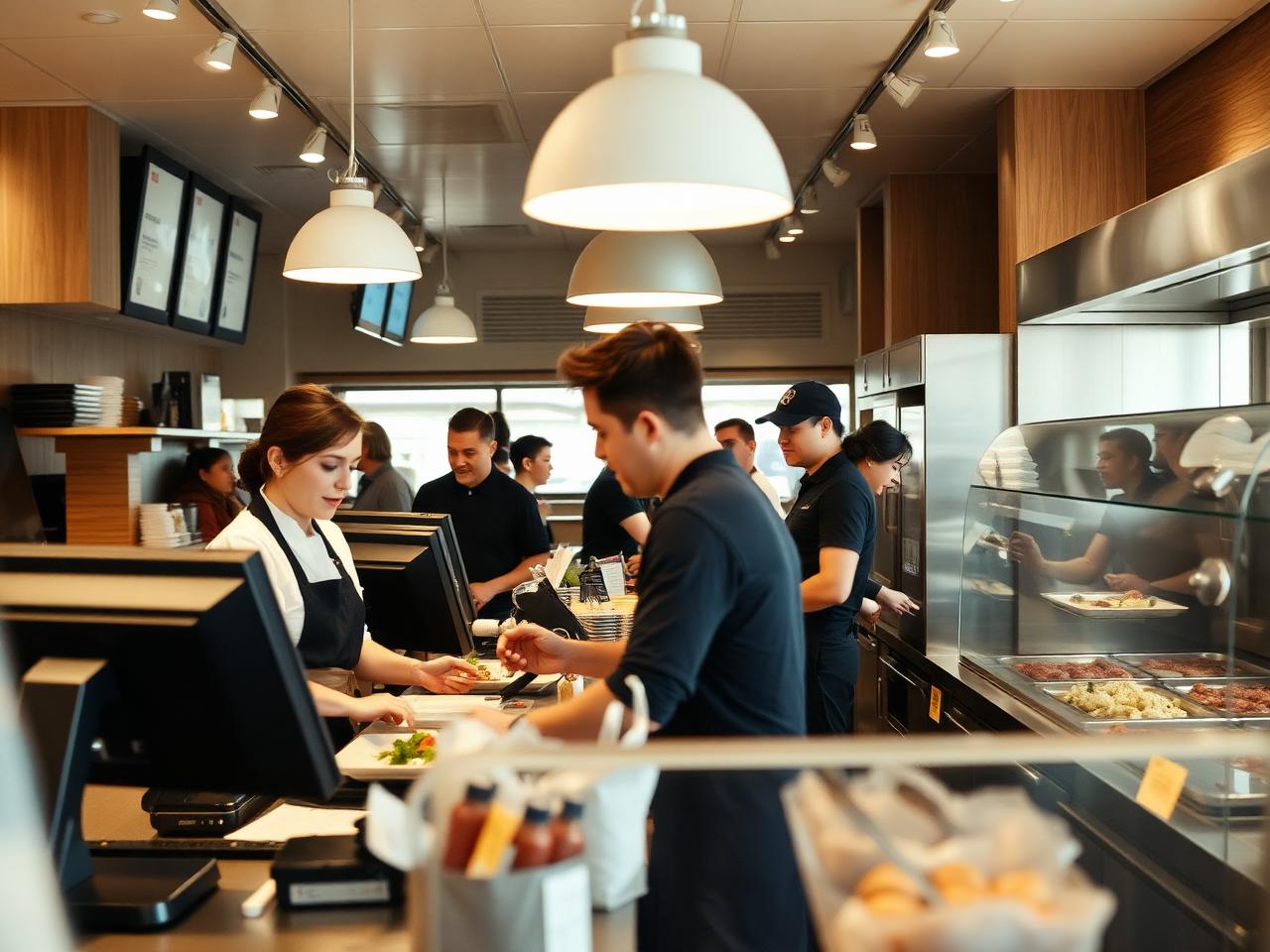
Multi-location · restaurant groups · franchise systems
Central control. Local flexibility.
Build the menu once as a corporate Golden Copy, publish it to the locations authorized to sell it, and let each store run its own day — with permissions, reporting and franchise boundaries built in.
Corporate menu governance
Products, recipes and menus are maintained centrally and published to locations, with a record of every publication.
Per-location assortment
Each store sells only what it's authorized to offer, at its authorized price.
Local operation
Employees, shifts, cash handling, printing and stock stay with the store, even under one head office — and each store closes its own business day.
More than one brand
FORNEBU is designed as a platform layer above the restaurant brand, so a second concept can run alongside the first rather than replacing it. Franchise locations see their own store, never another's.
Managed centrally
- Brand and product structure
- Recipes and ingredients
- Menu and catalogue definitions
- Which products each location is authorized to sell
- Operating standards and reporting structure
Operated locally
- What the store actually sells day to day
- Local pricing and availability where authorized
- Store team, schedules and worked hours
- Cash handling and the store's business day
- Store-level operational configuration
Scheduled reports, exception logs and location switching give head office one view without stepping into store operations.
Built for multi-location restaurant operators, restaurant groups, franchise systems.

Built inside operating restaurants
Built inside operating restaurants —
not around assumptions.
FORNEBU is developed and tested alongside real operations at Rolly Polly Cow and Pizza Tavola — across menus, orders, employees, inventory, scheduling, payments, multi-location management and financial visibility. When something doesn't hold up on a real shift, it changes.
Developed and tested across
- Menus
- Orders
- Employees
- Inventory
- Scheduling
- Payments
- Multiple locations
- Financial visibility
At the counter
Fast, touch-first flows that hold up during a rush.
For the manager
Stock, staffing and service visible in one place.
For the owner
Location performance without assembling reports by hand.
Why FORNEBU
Why one system matters.
01
One connected operating system
POS, kitchen, inventory, customers, workforce and reporting share one data model instead of one integration per problem.
02
Built around restaurant workflows
Modifiers, prep stations, recipes, shifts, open food items and multi-location control are first-class, not workarounds.
03
Honest numbers
When information is incomplete, FORNEBU tells you — it never fills the gap with a guess.
04
Designed to scale from one to many
The same platform runs a single room and a growing group of locations and brands.
Marketplace — Delivery orders in the same flow as the counter — kitchen, inventory and reporting included. In development.
Learn moreFORNEBU
Not another tool for the restaurant.
The operating system for it.
Sell. Serve. Stock. Grow. Team. Control. Connected by one restaurant operating system.